How do I cancel my subscription?Updated 4 months ago
Thinking of taking a break from your Tonic routine? You’re always in control and can cancel anytime from your account. From there, you can switch your items, pause, update your payment method or cancel your subscription.
- Navigate to your Tonic Health account and log in using your password.
Don't have a password, or forgot your password? Click here to create a new password.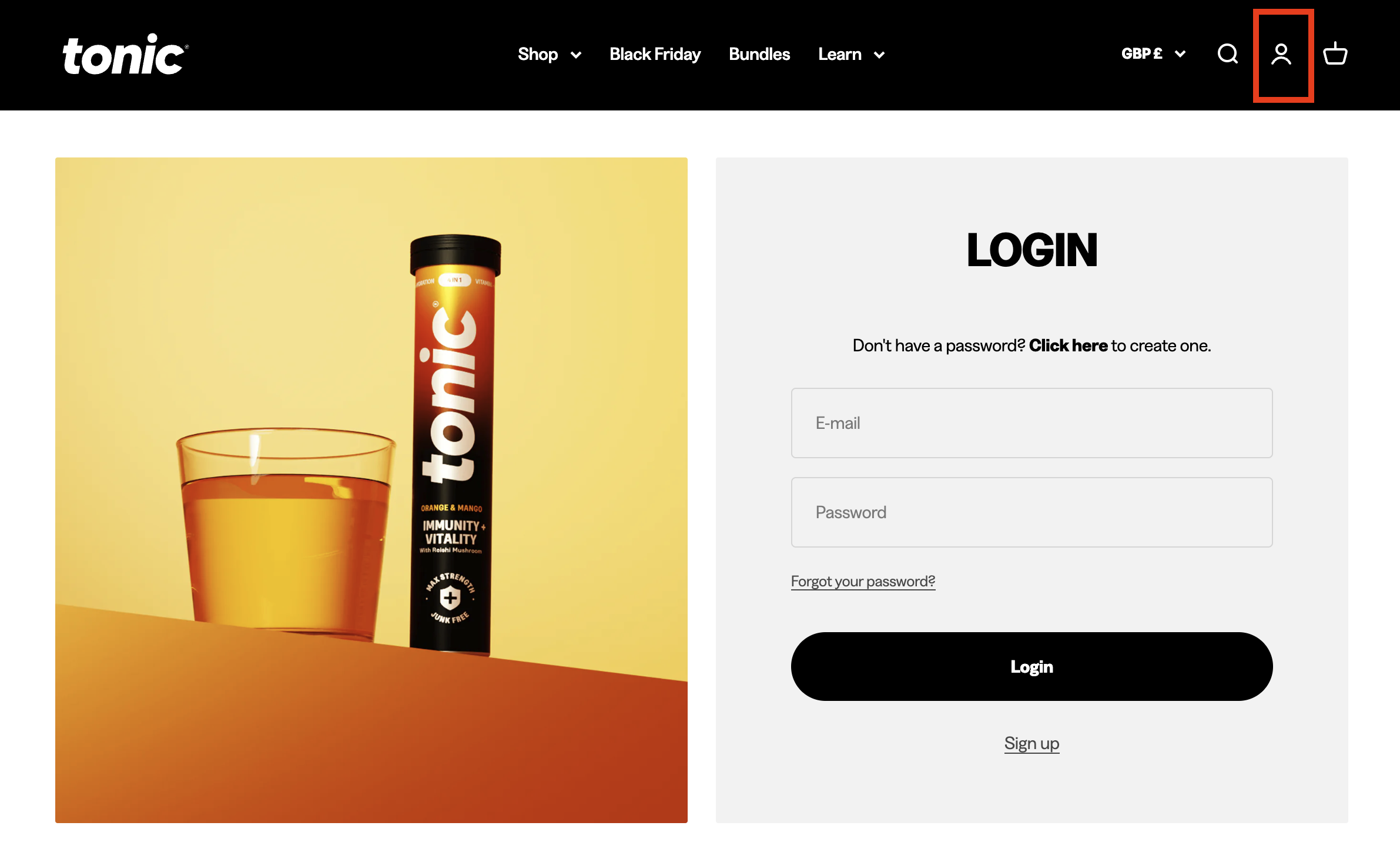
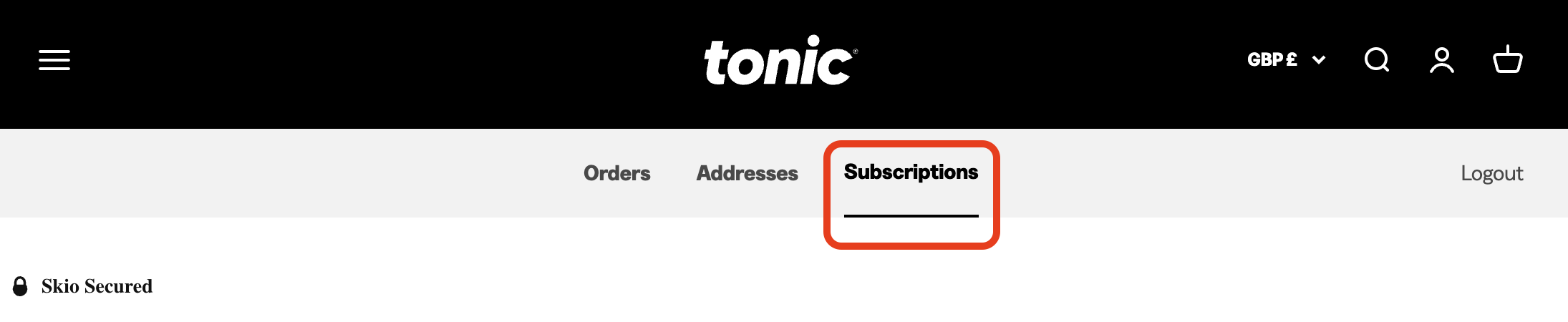
- Once you’re logged in, go to the Subscriptions tab. Here you will be able to see all of your active & inactive subscriptions.
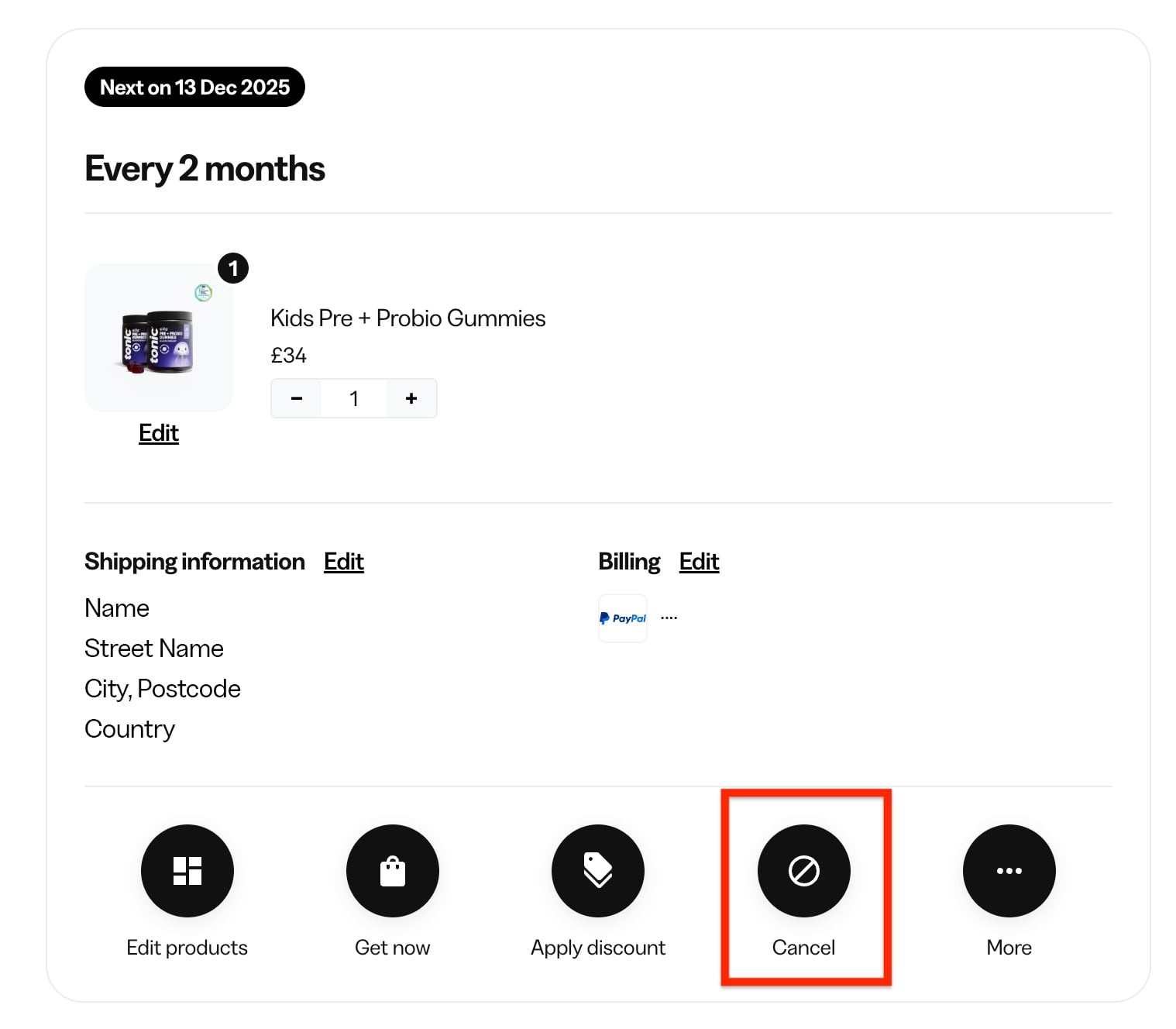
- To cancel your subscription, select the cancel button on the relevant subscription
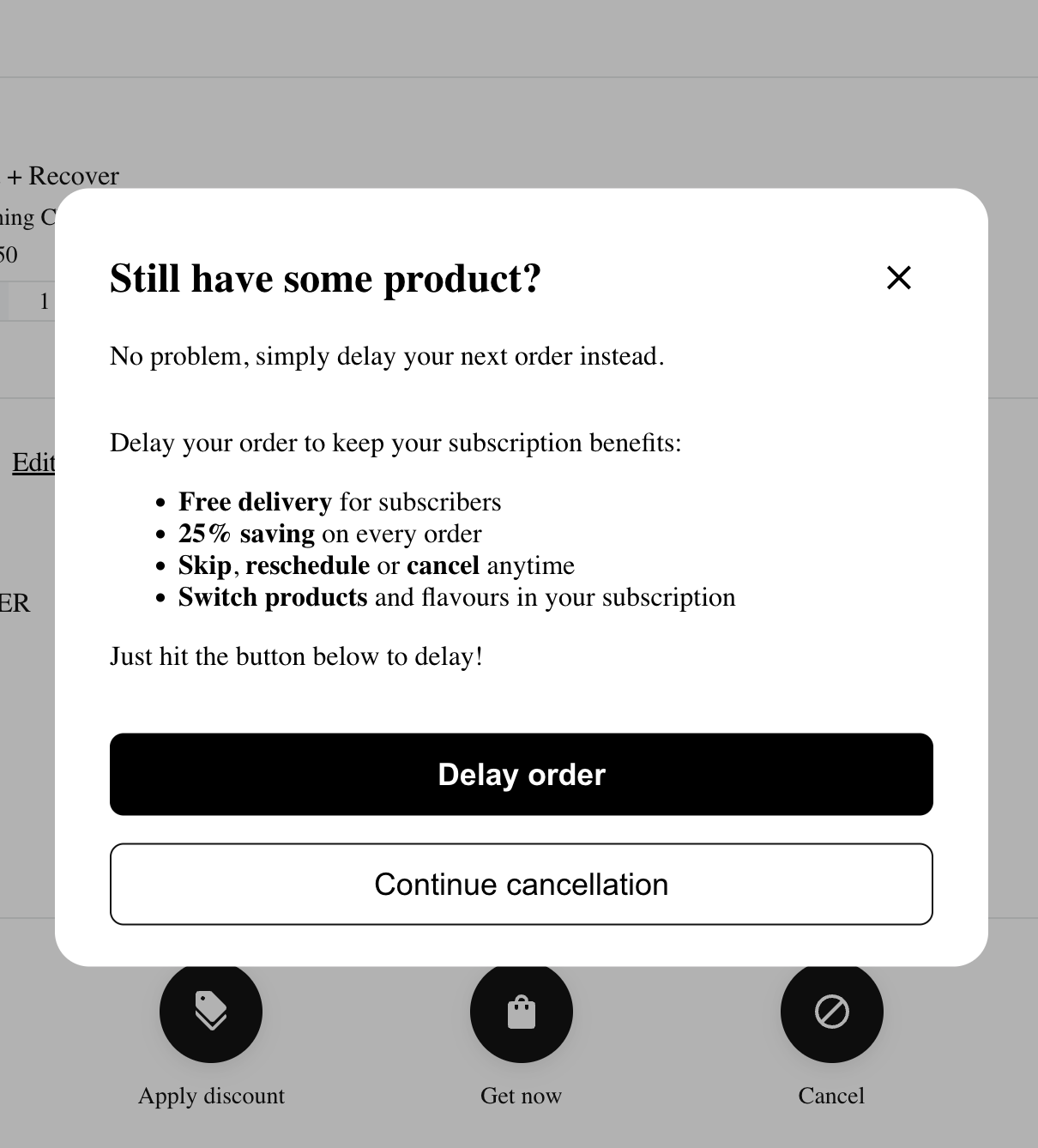
- You will be offered to delay your next order. If you still want to cancel, select Continue cancellation
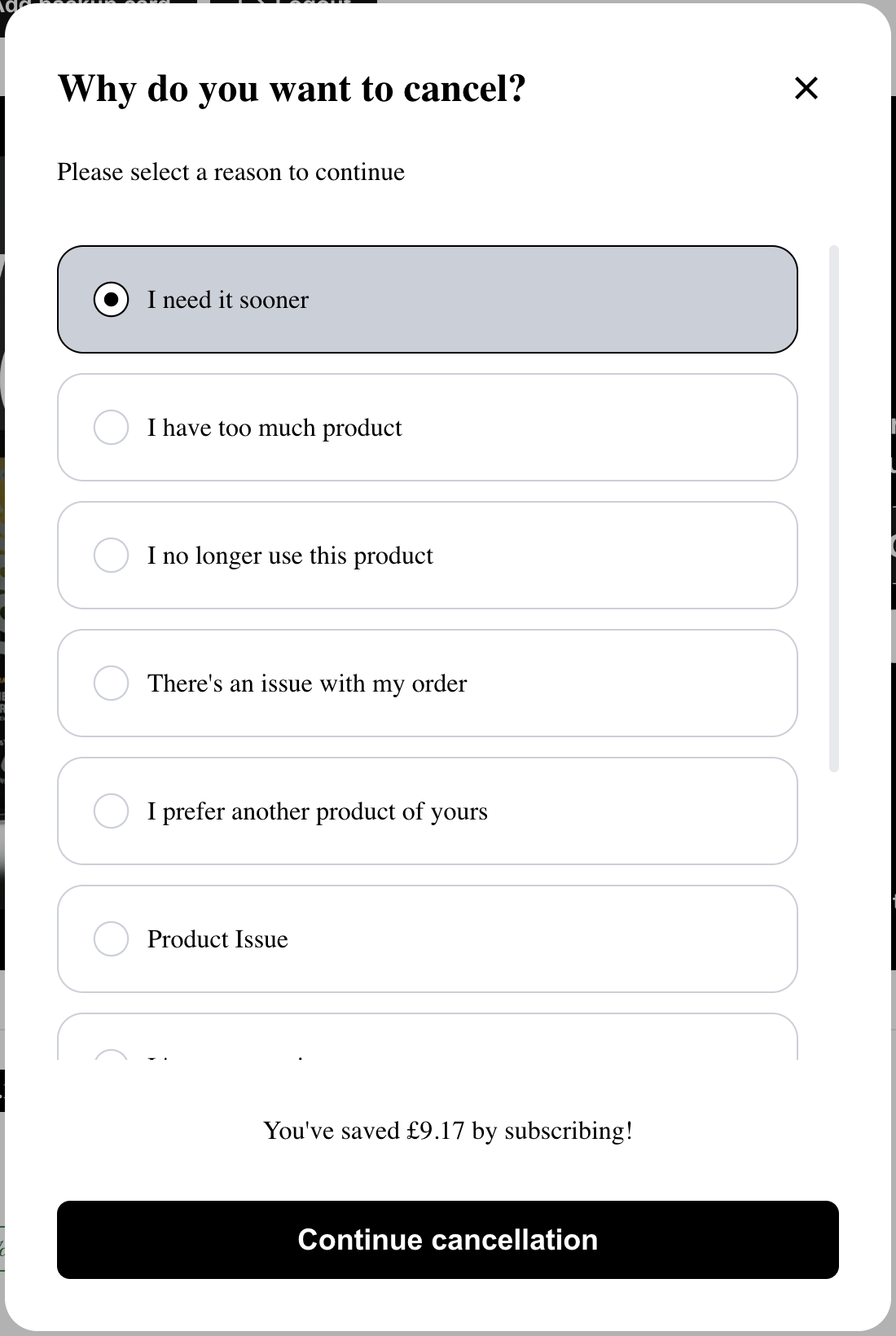
- Select the reason you wish to cancel from the list and click Continue cancellation
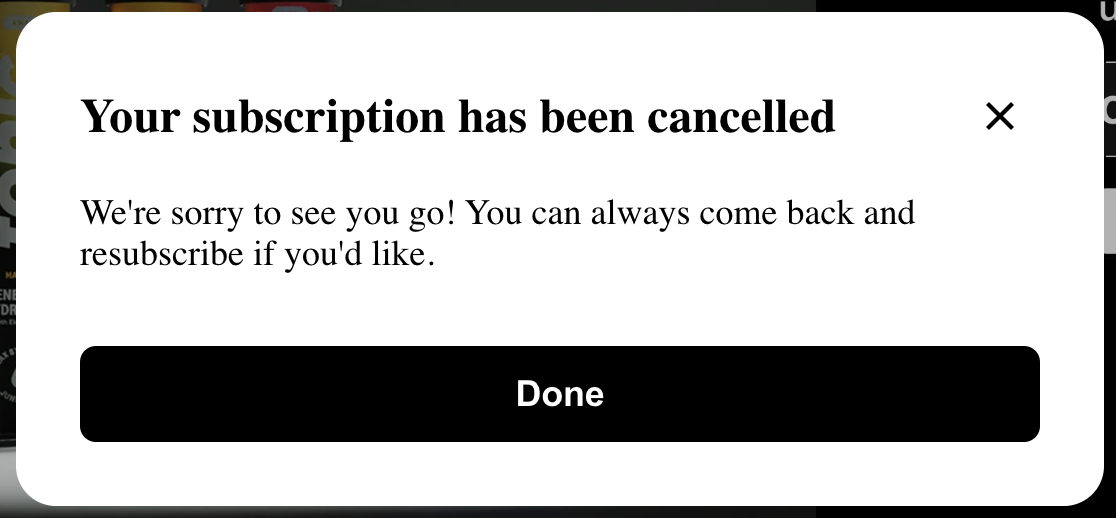
- You'll see a confirmation of your cancellation request
Still need help? Not to worry, our customer service team is available to help you out. Just reach out to them here or drop an email to [email protected]
Note: If you have more than one subscription that you wish to cancel, please repeat this process for each of them.