Can I apply a discount to my existing subscription?Updated 4 months ago
If you'd like to apply a discount, coupon or gift card to your existing subscription, please follow these steps:
- Log in to your Account and go to Subscriptions.
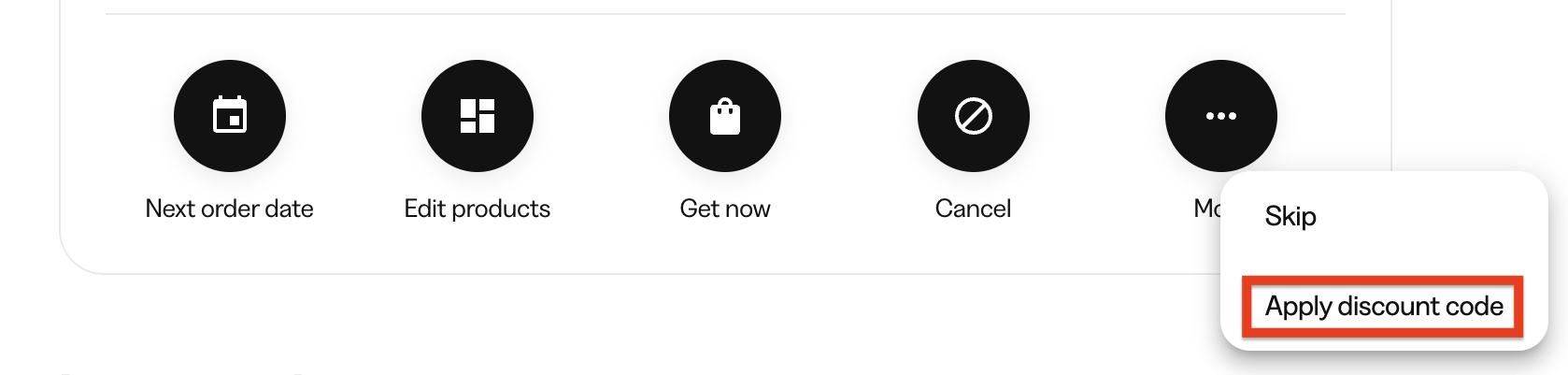
- Find the subscription that you wish to add the discount to. Click More, then select Apply discount code.
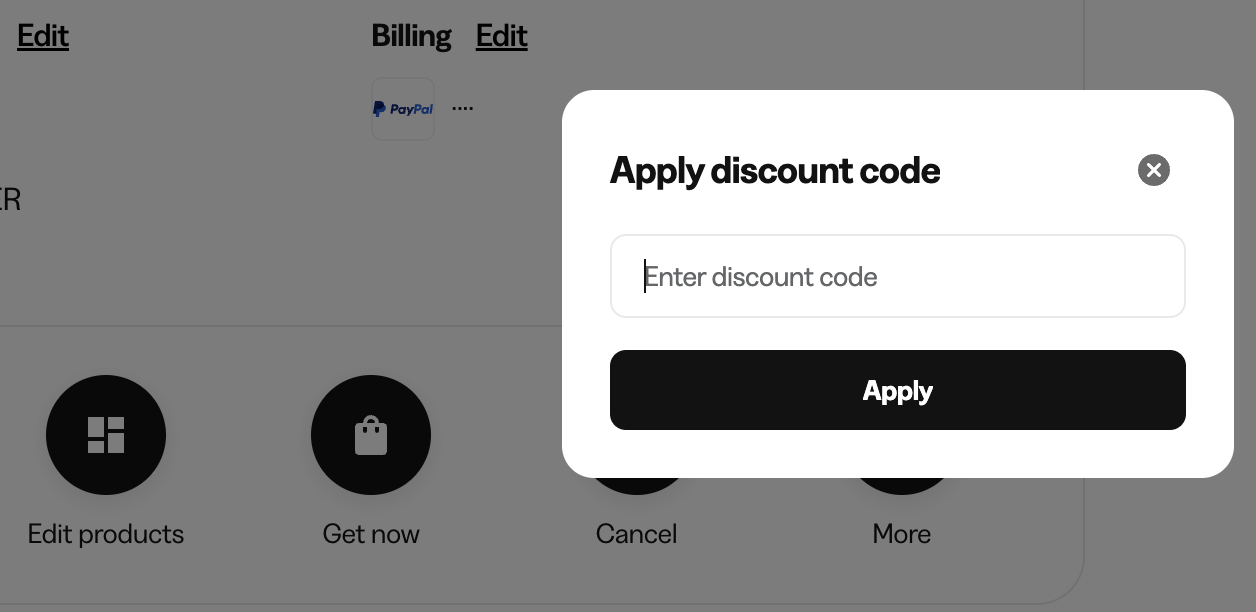
- Enter the discount code and click Apply.
- The window will close and you'll see a confirmation if successful.
If this is not successful, then the discount code can't be used in conjunction with either an existing discount, the subscribed products, or it's not available for your account. An error message if this was not successful.